NEW STUDIO Scan QR from your phone, upload files instantly, and edit in our new minimal Tools Dashboard. Open Tools Dashboard
Fast, Private & Secure In-Browser Processing

Every tool you need to work with PDFs in one place

Every tool you need to use PDFs, at your fingertips. All are 100% FREE and easy to use! Merge, split, compress, convert, rotate, unlock and watermark PDFs with just a few clicks.

Instant Document Processor
Drop your file here, or browse
Supports PDF, Word, Excel, JPG, and PNG up to 100 MB
Annual_Report_2026.pdf
3.8 MB • 18 Pages
Compression Level: 65% (Recommended)
Processing document... 0%

Running client-side memory engine. Your files never touch external servers.

Conversion Completed Successfully!

Optimized file size reduced from 4.20 MB to 840 KB (80% saved).

100% Client-Side Privacy
2,400,000+ Files Handled
Rated 4.9/5 by 32,000+ Users
AES-256 Bit Encryption
Secure QR Transfer & Tools Studio

Scan a One-Time QR. Upload & Edit Instantly.

Every session creates a brand-new encrypted QR code for maximum privacy. Send PDFs, photos, and government ID cards straight from your phone to our minimal Tools Dashboard — zero pop-ups, 100% browser-private.

1 Generate Secure QR 2 Scan & Upload From Phone 3 Edit With 33 Tools
Open Tools Dashboard
Fresh Session Security Ready
Generate a One-Time QR Code
Creates a unique encrypted upload link valid only for this session.
PDF MAGNETS Suite

All 33 Powerful Tools in One Suite

Search, filter, or choose any utility below to launch in-browser instant document processing.

Why PDF MAGNETS

Built for Modern Productivity

Engineered to eliminate complexity and make everyday document operations fast, seamless, and completely secure.

Zero File Retention

All conversions occur inside your local browser sandbox or encrypted temporary buffers that are automatically shredded after 120 minutes.

Ultra-Fast Processing

Optimized WebAssembly and parallel processing pipelines deliver instant compression, conversion, and multi-file merges without bottlenecks.

Cross-Platform Sync

Seamless synchronization between the web interface and the Android mobile app with unified document bookmarks and cloud backup.

AI-Powered Enhancements

Neural image inpainting erases unwanted watermarks, clears glare from whiteboard captures, and automatically flattens curved book pages.

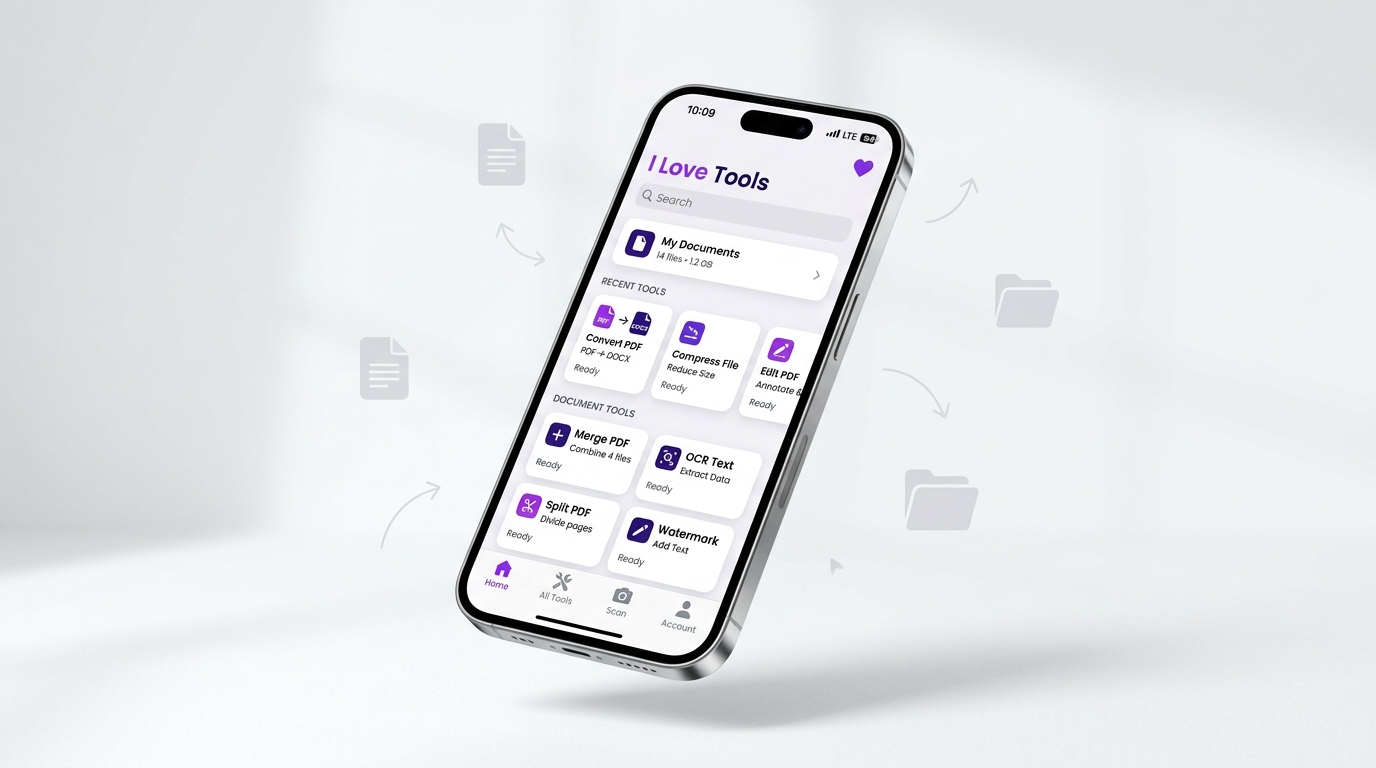
Android Mobile App Available

Carry All 28 Tools in Your Pocket

Transform your phone into a portable document powerhouse. Scan ID cards, snap whiteboards, sign contracts on the move, and compress files offline.

  • Offline Processing Engine
  • Integrated Camera Scanner
  • Google Cloud & Drive Sync
  • Instant Push Alerts (OneSignal)
PDF MAGNETS Android App Interface
Frequently Asked Questions

Everything You Need to Know

Got questions about privacy, file safety, or subscription tiers? Find answers below.

Are my uploaded files safe and private?
Yes, absolutely. We prioritize document confidentiality above everything. For web processing, documents are handled locally in your browser memory whenever possible. If temporary server conversion is required, all files are encrypted with AES-256 and automatically permanently deleted within 120 minutes.
Can I use PDF MAGNETS without creating an account?
Yes! All core tools (Merge, Split, Compress, Convert, Watermark) are immediately accessible for free with zero sign-up requirements. An account is only required if you want cloud sync, saved signature profiles, or Pro batch capabilities.
Is the mobile app available on Android?
Yes, our native Android app (Version 1.1.4) provides all 28 tools with full camera scanner integration, offline file handling, OneSignal push notifications, and AdMob reward task bonuses.
How does the AI Eraser tool work?
The AI Eraser employs an in-browser neural inpainting network that detects and reconstructs background textures beneath unwanted stamps, handwritten notes, watermarks, or smudge marks without damaging surrounding content.
What payment methods do you support for Pro?
We support all major credit/debit cards (Visa, MasterCard, American Express), Google Pay, Apple Pay, PayPal, and Google Play In-App Billing for mobile users.